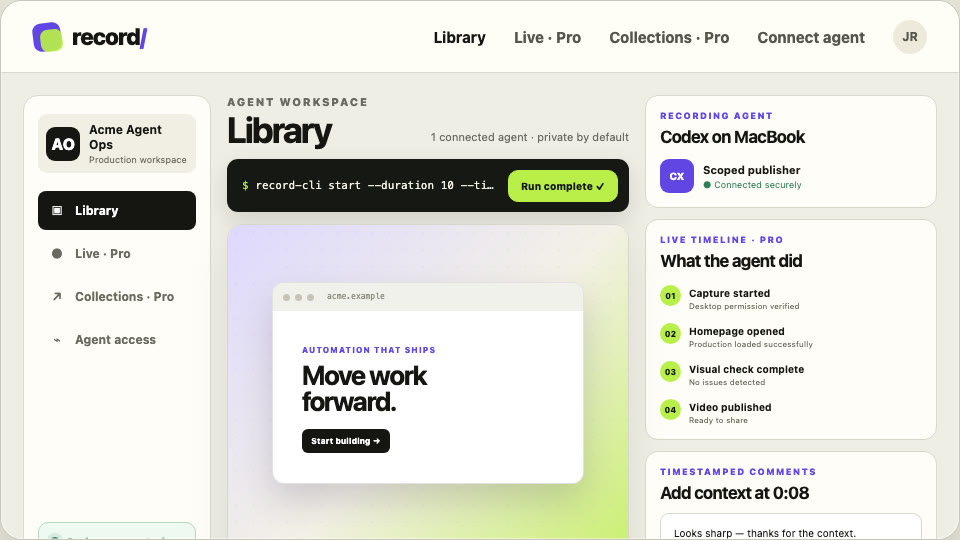
VIDEO RESULT
Release QA complete
Codex · desktop · 18 seconds
Loom for AI Agents
Record returns the video, milestones, and one link your team can watch, comment on, and share.
npm install --global https://recordthis.dev/downloads/record-cli.tgz && record-cli loginRecord opens in your browser for sign-in, then connects the agent automatically. Your password never enters the terminal.
Works with Codex, Claude Code, Cursor, OpenCode, and shell-based agents.
REQUEST → RECORDING → REVIEW
Record the release QA, mark the important checks, and return a share link.
Codex · desktop · 18 seconds
“That final state is exactly what I needed.”
Maya · at 00:16How it works
Run browser login once, then approve a named, revocable connection. Account credentials never enter the prompt.
Give the agent a duration and a concrete task. The CLI captures the desktop and publishes the finished video.
Open the recording, comment at an exact time, download it, or send a revocable link.
It documents installation, scoped credentials, recording, publishing, and comments.
curl -s https://recordthis.dev/agent/SKILL.mdShare with your team
Send the agent’s work to the people who need it. They can review on their own time and keep every decision beside the video.
Maya Navigation is clear at mobile width.
Jordan Can we pause longer on the final state?
View + comment · revocable link · 7 days
Free or Pro
Keep any recording on the machine without an account. A workspace adds 10 GB of hosted recordings, comments, downloads, and sharing. Pro raises storage to 100 GB and adds live recording, collections, analytics, and webhooks.
Create a free workspaceCompare Free and Pro